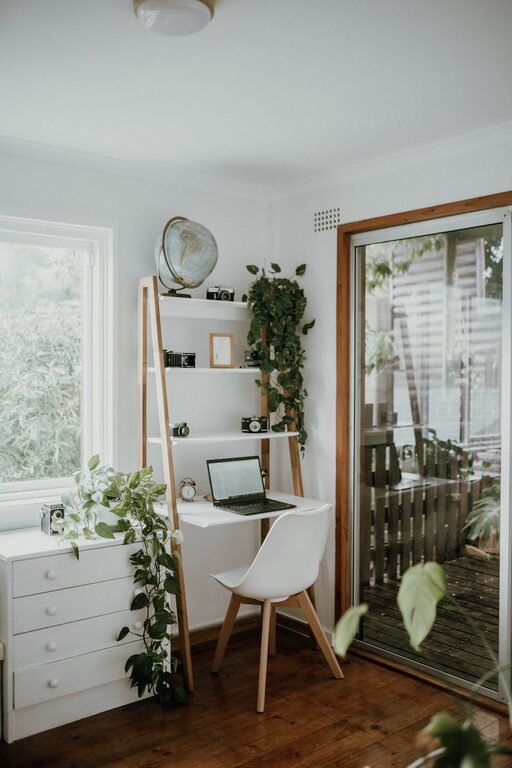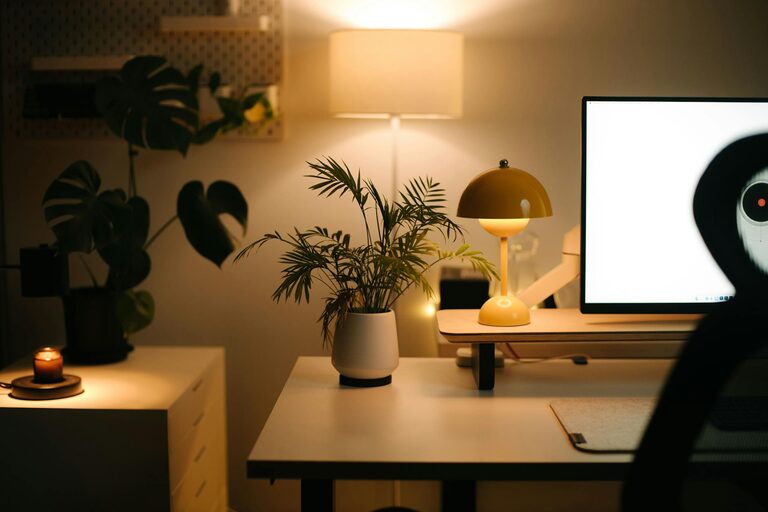
Creating a cozy and functional home workspace is essential for anyone who spends significant time working from home. A well-designed area not only improves productivity but also contributes to your comfort and overall satisfaction. Whether you have a dedicated room or a small corner in your living space, you can transform it into an inviting and efficient workspace. Here are practical tips to help you create the perfect home office tailored to your needs.
Choose the Right Location
Find a Quiet Spot
Select a space with minimal distractions to focus better. If possible, choose a room or corner that is away from the busiest areas of your home, such as the kitchen or living room.
Consider Natural Light
Natural light boosts mood and productivity. Position your desk near a window to take advantage of daylight. If natural light is limited, use warm, soft lighting to reduce eye strain.
Invest in Comfortable Furniture
Ergonomic Chair
An ergonomic chair supports your posture and reduces fatigue. Look for adjustable height, lumbar support, and comfortable cushioning.
Suitable Desk
Choose a desk that fits well within your space and suits your work style. Whether you prefer a standing desk or a traditional one, ensure it provides ample room for your computer and other essentials.
Organize for Efficiency
Declutter Regularly
Keep your workspace tidy by removing unnecessary items. A clear surface can help reduce stress and improve focus.
Use Storage Solutions
Incorporate shelves, drawers, or containers to store documents, office supplies, and gadgets. Labeling storage items can save time when searching for things.
Cable Management
Use clips, ties, or cable sleeves to organize cords and cables. This not only makes the area look neater but also prevents accidents.
Personalize Your Space
Add Greenery
Plants bring life to your workspace and can improve air quality. Choose low-maintenance plants like succulents or spider plants.
Display Inspiring Items
Photos, artwork, or motivational quotes can make your workspace feel welcoming and boost creativity.
Select a Relaxing Color Palette
Soft, neutral colors promote calm and concentration, while small pops of color can make the space lively without being distracting.
Optimize Lighting
Layered Lighting
Combine ambient, task, and accent lighting to create a balanced environment. A desk lamp with adjustable brightness is ideal for focused work.
Avoid Glare
Position screens and lights to minimize reflections and glare, which can cause discomfort and eye strain.
Incorporate Technology Thoughtfully
Reliable Internet Connection
Ensure your workspace has strong, stable internet access to avoid interruptions during work sessions or virtual meetings.
Quality Equipment
Invest in a good monitor, keyboard, and mouse to enhance comfort and efficiency.
Use Headphones or Speakers
For virtual meetings or focus, use headphones to reduce background noise or speakers for better sound quality.
Create Healthy Habits
Take Regular Breaks
Set reminders to stand, stretch, or walk around every hour. This helps reduce physical strain and refreshes your mind.
Maintain Proper Posture
Arrange your chair and desk height to keep your back straight, feet flat on the floor, and your screen at eye level.
Add Comfort Elements
Soft Textiles
Use cushions, a cozy throw, or a rug to soften the space and make it inviting.
Temperature Control
Keep a fan, heater, or humidifier nearby to maintain a comfortable temperature year-round.
Set Boundaries
Define Work Hours
Establish specific work times to maintain a healthy work-life balance.
Inform Household Members
Communicate your work schedule and workspace boundaries to minimize interruptions.
—
Creating a cozy and functional home workspace is a balance of comfort, organization, and personalization. By thoughtfully designing your area, you can enhance your productivity and enjoy your work-from-home experience more fully. Start small with these tips and adjust your setup as your needs evolve.
About the Author