Creating a home office that feels both cozy and conducive to productivity can significantly improve your work-from-home experience. With many people spending more time working remotely, having a dedicated, comfortable workspace is essential. Below, you’ll find practical tips to help you design a home office that fosters focus and well-being.
Choose the Right Location
Consider Natural Light
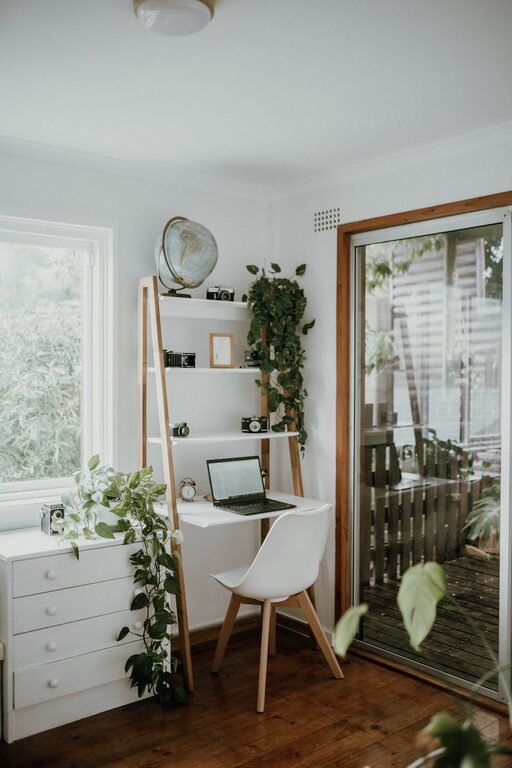
Position your workspace near a window if possible. Natural light helps reduce eye strain and can boost mood throughout the day. If a window isn’t an option, invest in full-spectrum light bulbs that mimic daylight.
Minimize Distractions
Pick a quiet area of your home where you can concentrate with minimal interruptions. Avoid high-traffic zones and places near the television or kitchen.
Invest in Comfortable Furniture
Ergonomic Chair
An ergonomic chair supports your posture and reduces the risk of back pain during long hours at the desk. Look for adjustable height, lumbar support, and good cushioning.
Spacious Desk
Choose a desk with enough surface space for your computer, paperwork, and any other tools you need. A clutter-free desk promotes a clear mind.
Optimize Your Layout
Keep Essentials Within Reach
Arrange your equipment, stationery, and other essentials so they are easy to access without cluttering your workspace.
Use Vertical Space
Shelves, wall-mounted organizers, and pegboards help keep your desk free and provide extra storage.
Personalize Your Space
Add Warm Textures
Soft rugs, cushions, or curtains can make your office feel welcoming and reduce echo, making the space more comfortable.
Include Plants
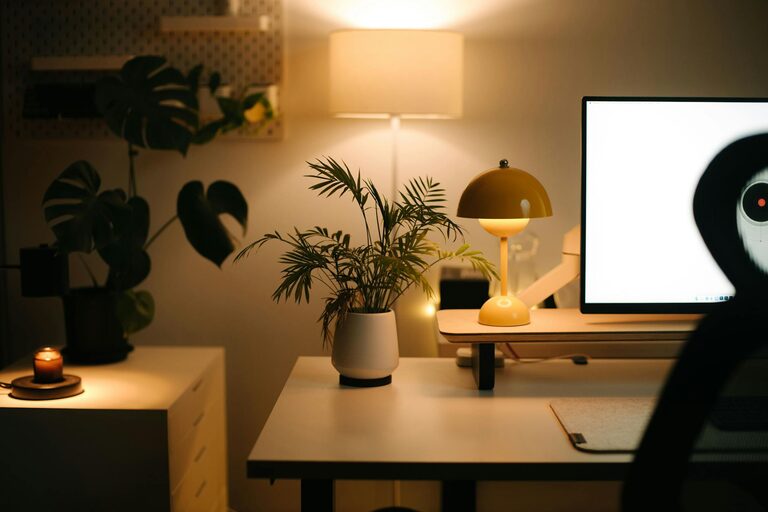
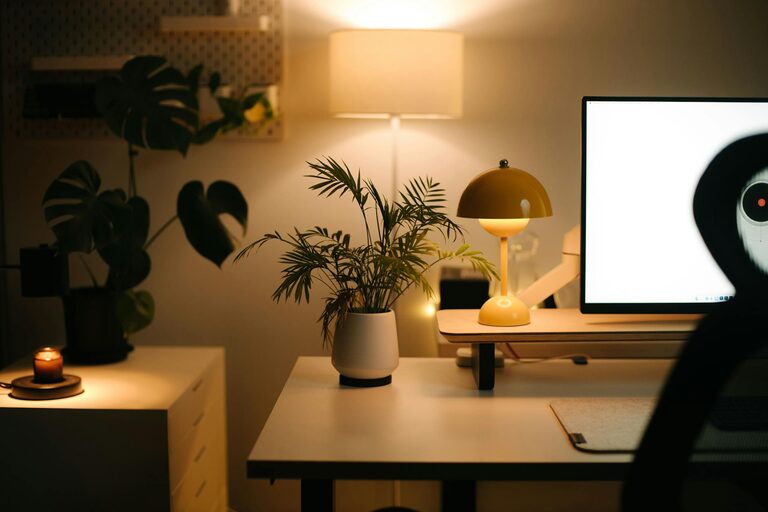
Indoor plants not only improve air quality but also add a touch of nature. They can help reduce stress and increase productivity.
Display Inspiring Items
Surround yourself with photos, artwork, or motivational quotes that inspire you without distracting from your work.
Manage Lighting Effectively
Combine Ambient and Task Lighting
Use a mix of overhead lighting and a focused desk lamp. Adjustable lamps provide better control over your workspace illumination.
Reduce Glare
Position your monitor to avoid glare from windows or lights. Use blinds or curtains to adjust sunlight during bright periods.
Organize for Efficiency
Declutter Daily
Take a few minutes each day to tidy your desk. A clutter-free space helps you stay focused.
Use Storage Solutions
Boxes, filing cabinets, or drawer organizers keep papers and supplies neat and accessible.
Digital Organization
Maintain an organized computer desktop, and use apps to keep track of tasks and deadlines.
Set Boundaries and Routines
Define Working Hours
Keep consistent working hours to separate work time from personal time, which helps maintain work-life balance.
Communicate with Household Members
Make sure others understand when you’re working to minimize interruptions.
Enhance Comfort and Well-being
Maintain Good Air Quality
Open windows when possible or use an air purifier to keep the air fresh.
Temperature Control
Keep the room at a comfortable temperature with a fan or heater as needed.
Take Breaks
Incorporate short breaks to stretch or walk around. This boosts circulation and focus.
—
Creating the ideal home office requires thoughtful planning and some trial and error. With these tips, you can build a space that not only helps you get work done but also feels inviting and refreshing day after day. Remember, your perfect workspace reflects your personal needs, so don’t hesitate to customize it as you go!
About the Author